InViNode - The Ren'Py Visual Flow Editor
A downloadable tool for Windows
You want to start making Visual novels? You looked at Ren'Py's coding base and thought: ...Yeah...that is going to be great, but I don't get half of it....?
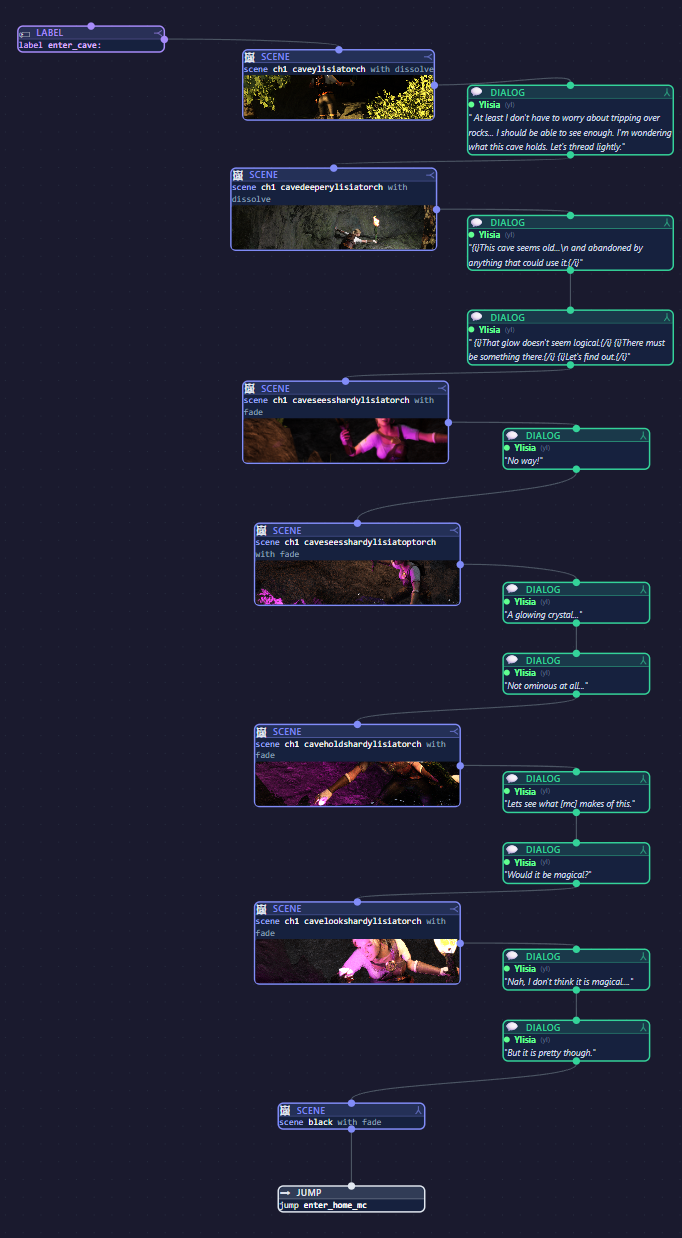
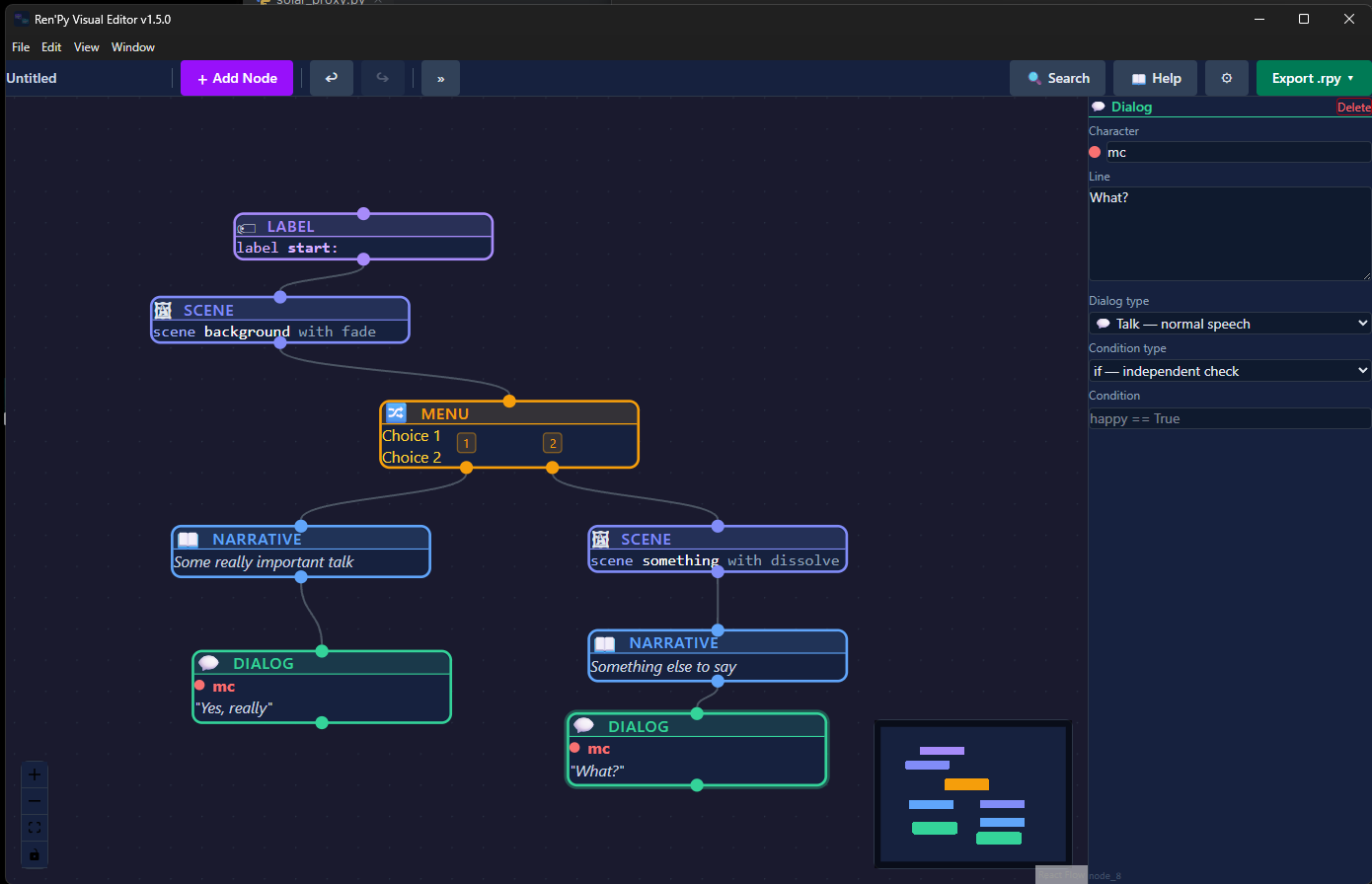
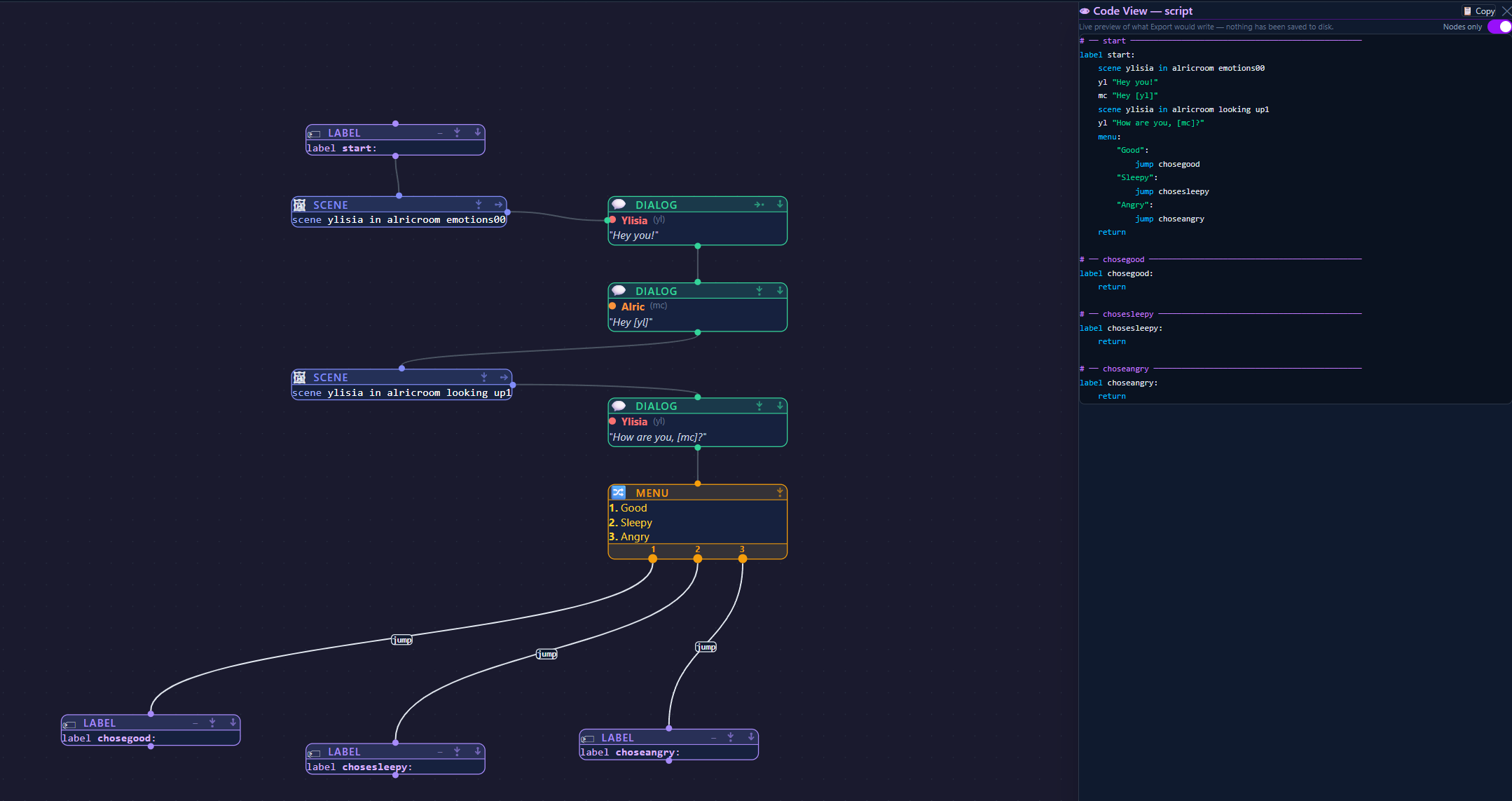
Unlike other tools, InViNode actually lets you add all the code blocks, but visual. It then can export it to your newly created Ren'Py game and you are immediately set to go. You can still learn Ren'Py code, but you can start with the intuitive graphical interface.
What does it do?
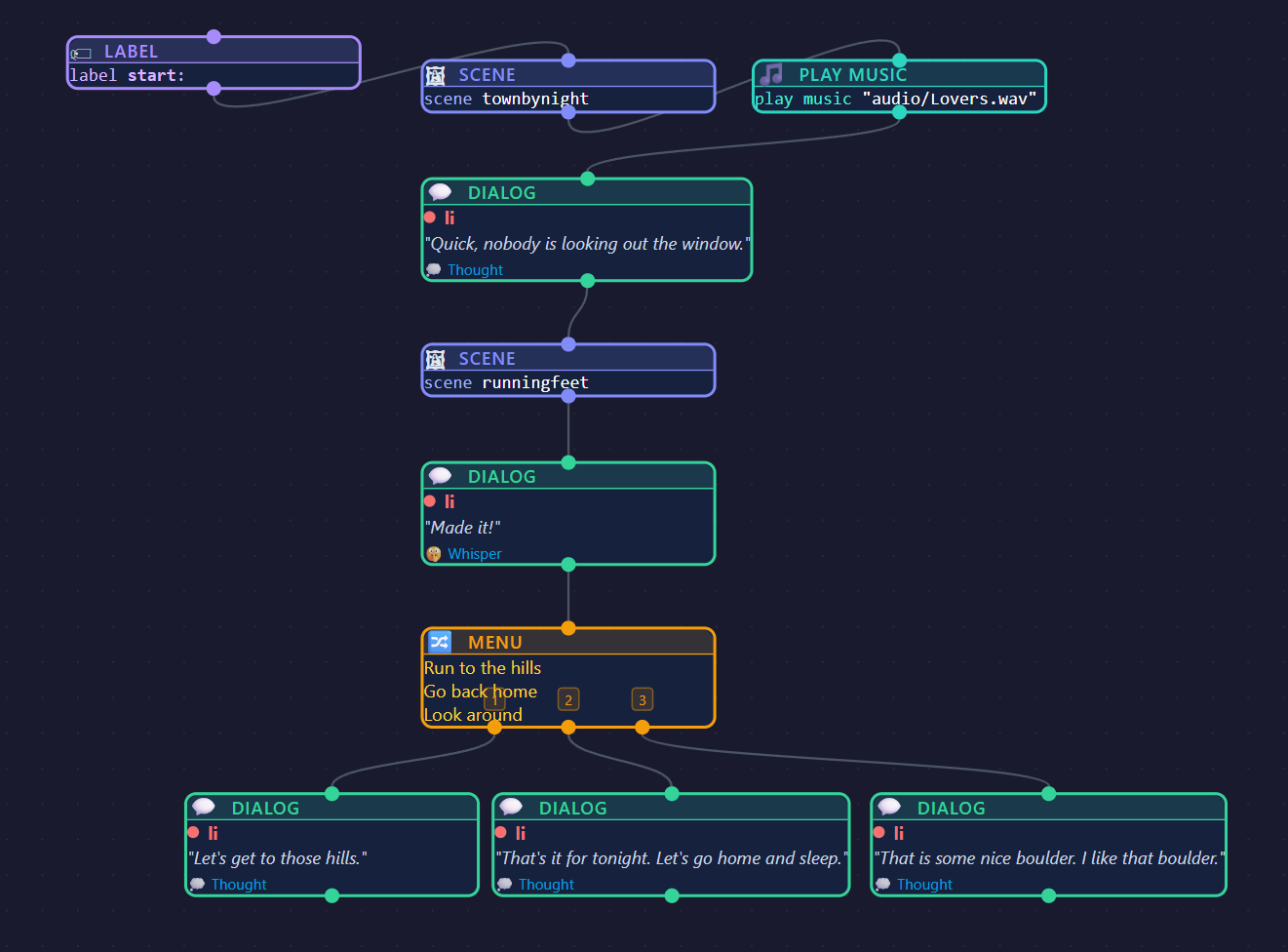
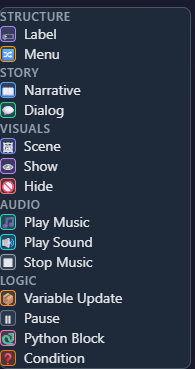
Provides you with all the basic building blocks for a Ren'Py game.
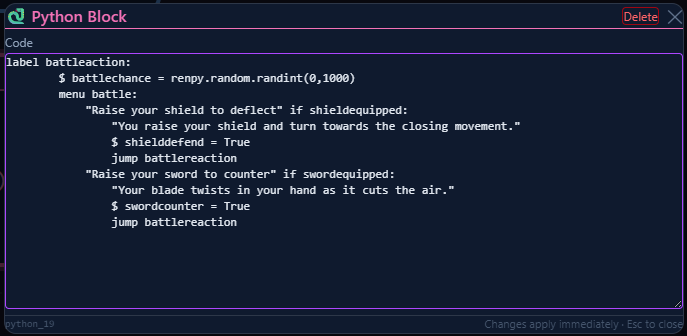
If you are already proficient in Python, you can even add blocks with custom Python code.
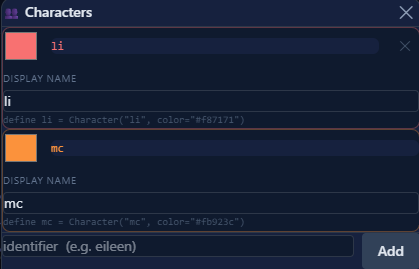
InViNode will also keep track of the characters you create. You can do this in different ways, depending on how far you are in the design process. If you didn't create a story yet, just start building and at the right times, InViNode will make a character definition for you (which you can change in the editor). If you have a story already, you can first create the character definitions and then start adding blocks which you simply connect to the characters.
Of course, a kinetic story doesn't need much in sense of variables, but a 'real' Visual Novel does, of course. So you can use variables to control your flow.
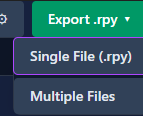
When exporting the flow, you have the option to do it 'noob style' or 'semi-pro' style. Noob style is: 1 file export. The script file contains all the created parts, from character definitions, to variables and game logic. Of course, the semi-pro style is multi-file export, where the characters and variables get their own file. This is especially handy once you get the hang of Ren'Py and start using different scripts to hold different parts of your story. By the way.... did you know.... you can actually build those in InViNode too?! Neat, huh?
We am currently working on an import function, but that is still in very early development.
Feature list:
- Create a story flow
- Create story conditional flow
- Create custom Python code blocks
- Export to Ren'Py code
- Work by context menu, drag and drop or shortcut keys
- Zoom on canvas
- Load avaiable images for your scene or show blocks
- Load available audio for your music or sound blocks
- create music blocks that allow for playlists
- A manual for all the above
- Create variables for conditional flow in nodes
- Create variables in the variables registry
- Create characters directly from dialog nodes
- Create characters from the characters registry
- Adjust shortcut keys for direct creation by shortcut
- Move nodes to represent a better overview for you
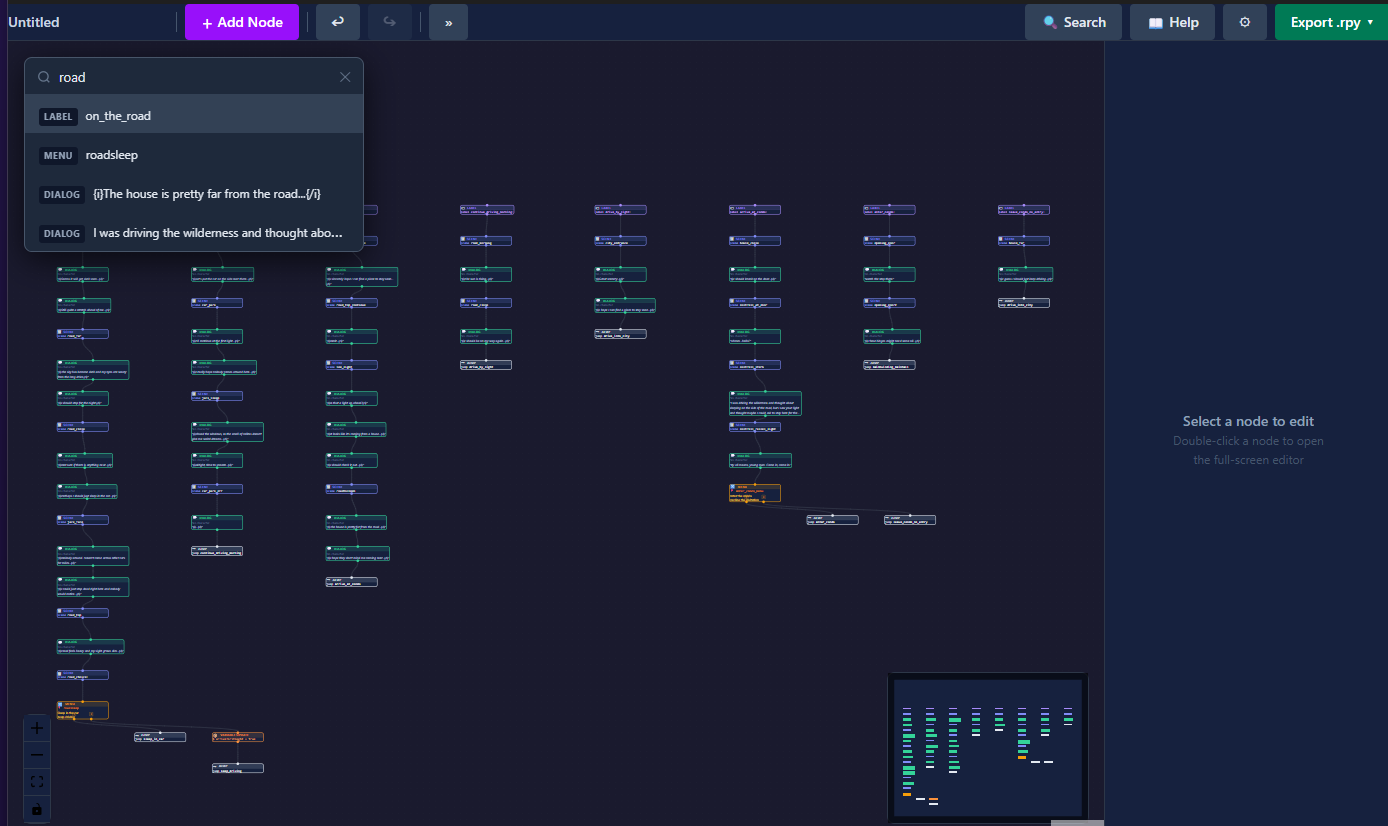
- Search
- Cosmetic improvements requested by testers
- Import functionality of Ren'Py files
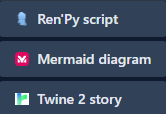
- Import functionality of Mermaid Flowchart (I heavily use this at design phase so I want it ;) )
- Import functionality of Twine chart
- group selection
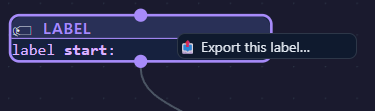
- Label branch export (Partial exports, handy for larger graphs that you want to put in day1 to dayN setup)
- Fixed issue when removing a line between two specific nodes (exotic situation)
- Fixed layout of menu and conditional nodes (better readable)
- Image side node (For character faces)
- Add image preview to node
- Image preview for scene and show
- 'New flow' button
- Open different Ren'Py project (if Ren'Py project root has been entered)
- Auto open with last saved flow
- Restructured Settings panel
- Adjusting linestyle
- Node auto-layout
- Fixed project switcher
- Changed to mdi architecture (meaning you can have more than one flow open, but they work within one project)
- Updated the toolbar
- Rebranding
- Modifications of options and gui items (2.0)
- Introduction tour
- Node-collapse (Label)
- Auto-Layout from label
- Reordered toolbar
- Play button
- Corrections to export
- Exports create backups of original files
Version 2.2+
- Dropping images (including webm) and audio into node fields where applicable will copy (and resize) them to the images folder.
- Fixed project create auto configuration
- Edit menu backgrounds
- dropdown of all available labels to jump to
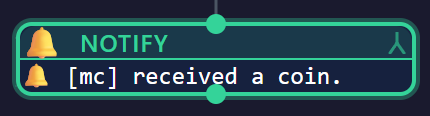
- Notify node 'Python' coding
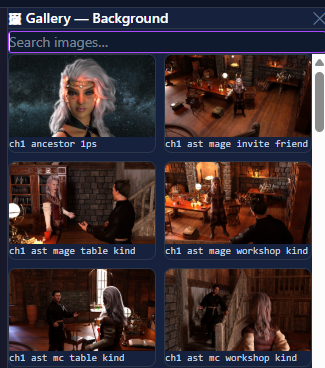
- Scene and Show nodes get gallery showing available images
Version 2.14+
- Todo list
- Incomplete node indicator
- Horizontal incoming handle and outgoing handles
Version 2.21+
- Live code preview (previously only visible in Debug version)
- Fixed the search in all nodes
Version 2.35+
- NVL control nodes
- Modification of screens (Some, like mainmenu, mostly still in code)
Features in the upcoming versions:
- Improve integration custom Python and ATL transforms (3.0)
- Modification of screens (3.0)
- Theming (3.0)
Check our website: https://www.invinode.com
Want to see how it works? Check out my Introduction video
Also available on:

Find us on Reddit and our community page too:
https://www.reddit.com/r/InViNode/
https://www.reddit.com/r/VisualNovelCreators/
Projects being created with InViNode:
- Unlock
- Frost Bite
Do you also have a project and want it shown here? Let us know.
Purchase
In order to download this tool you must purchase it at or above the minimum price of $15.19 USD. You will get access to the following files:
Development log
- InViNode 2.38.82 days ago
- 2.38.23 days ago
- What? So fast? version 2.38.07 days ago
- Version 2.37.12 safe and secure7 days ago
- Sometimes makeup helps13 days ago
- Multiple...more...14 days ago
- Alpha - Beta - Zeta14 days ago